July Go To Market - Landing Page

What's new this month?

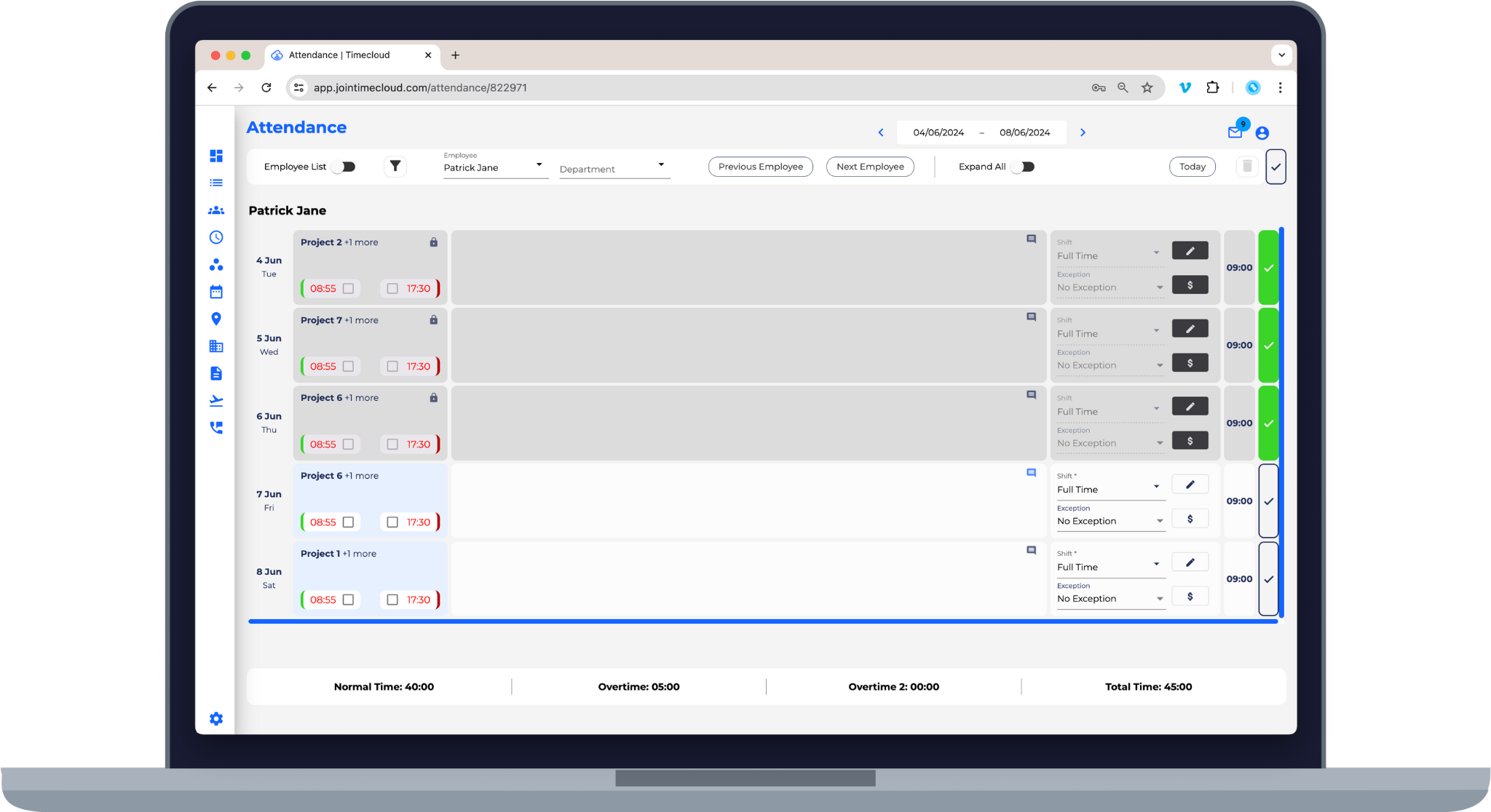
Timesheet Approval Improvements

We've made significant improvements to the timesheet approval process - timesheets are now locked upon approval, improved visibility of who approved times, along with the ability for multiple comments.

Contact our Customer Success team for early access, otherwise, stay tuned as this begin to roll out soon!


Timesheet Approvals


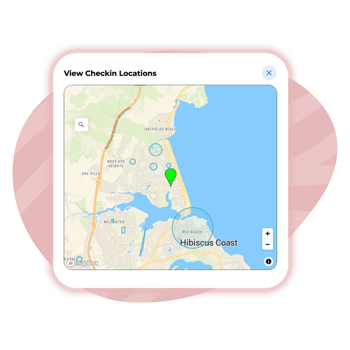
Geofencing Sublayers

Have tasks with multiple locations and finding it hard to keep track of things? Not a problem. Our latest update to Geofencing allows you to configure to sublayers, so that your staff can sign in to the appropriate location.

2-1

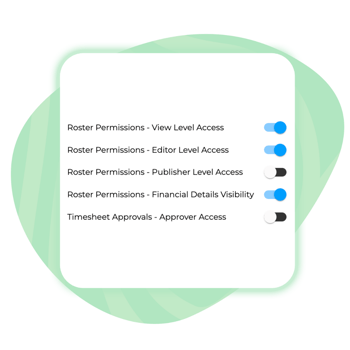
Roster Permissions

Looking for more control over who can edit and publish your roster? You can now assign Viewer, Editor, or Publisher permissions, providing even more control over access levels for leaders.

Read more about the roster on the Knowledge Base.

R

Mobile App Download Links

Review in the dashboard which employees still need to download the mobile app, and send individual email invites with the link.

24-06 GTM Images-05

Mobile App Download Links

Review in the dashboard which employees still need to download the mobile app, and send individual email invites with the link.

24-06 GTM Images-05

Employee Profile Synchronisation with Biometric Scanners

We've sped up the process adding biometric scanner users - now, when an employee is added from within the Timecloud Admin Portal, they will synchronise and immediately be available on your biometric scanner.

You can read more details about this functionality on the Knowledge Base.

Contact our Customer Success team for early access, otherwise, stay tuned as this begin to roll out soon!

3-1
4

Attendance Page Filters

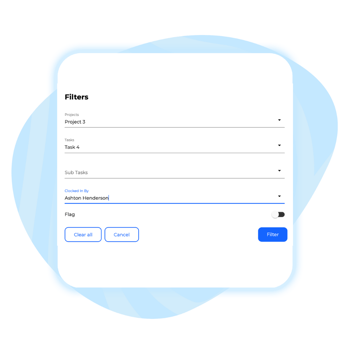
With additional filters now available on the attendance page, you can easily filter down to find the right times, whether it's by job, the Manager that captured their time, or simply the flags that require resolution.


You can read more details about this functionality on the Knowledge Base.

CSV Import Improvements

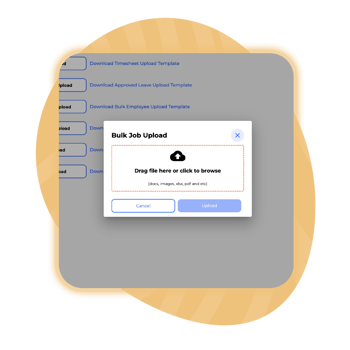
Now, when you upload a CSV into our Job Tracking feature, you can update or archive existing items, allowing you to keep everything clean and tidy.

24-06 GTM Images-03

CSV Import Improvements

Now, when you upload a CSV into our Job Tracking feature, you can update or archive existing items, allowing you to keep everything clean and tidy.

24-06 GTM Images-03

Role & Contract Type Report Filters

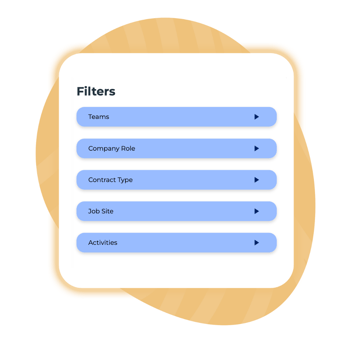
Company Role and Contract Type are now available as additional filters when downloading reports. This is great for companies tracking waged vs salaried staff, or when reporting on labour hire workers for invoicing.

5
1-4

Geofence & Job Linking Controls

The Geofence functionality can now be configured independently, allowing you to access the benefits of defining approved working locations without requiring Job Linking to be used.

More details are available here.

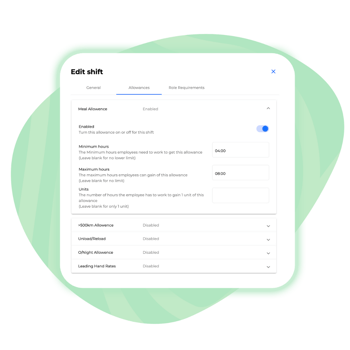
Unit Allowances & Allowance Maximums

We're excited to introduce new features that give you more configuration options for shift allowances. You can now set maximum triggers for shift allowances and apply multiple allowance units per hour worked. 

For assistance, reach out to our Customer Success team or read more details on the Knowledge Base.

2-2
3-2

Auto Out Settings

With Auto Clock Out, users can seamlessly track multiple tasks throughout the day without manually clocking out of each one.

This can now be toggled on from within the Timecloud Admin Portal.

You can read more details on the Knowledge Base.

customer support

As always, our support team is here to ensure you're getting the most out of Timecloud, so reach out if you have any questions.

Missed an update?

full whiteAsset 4